Short version: the wallpaper is generated on request and thrown away. Nothing about your milestone is stored on a server.
Your name, milestone, dates, iPhone model and chosen flower are saved in this browser’s local storage so you don’t retype them. They never leave your device except as part of a wallpaper request. Clearing your browser data deletes them.
Your personalised link carries your name, milestone, dates and timezone offset as plain text in the URL. Anyone you share that link with can see them and can load your wallpaper, so treat it as private.
Wallpapers are rendered on each request and never written to disk. No images of yours are stored anywhere. Standard server logs may record the request, including its URL.
Payments are handled entirely by Stripe, who act as merchant of record. Your card details never reach this site. We ask Stripe whether an email address has paid, which is how restoring a purchase works.
Questions? Message @buildwithjin.
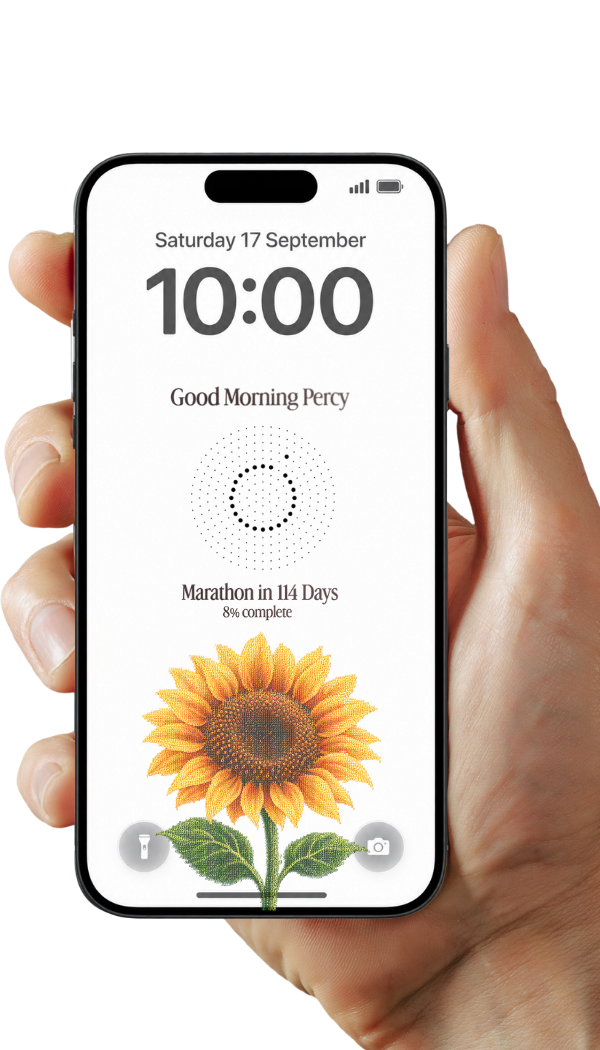
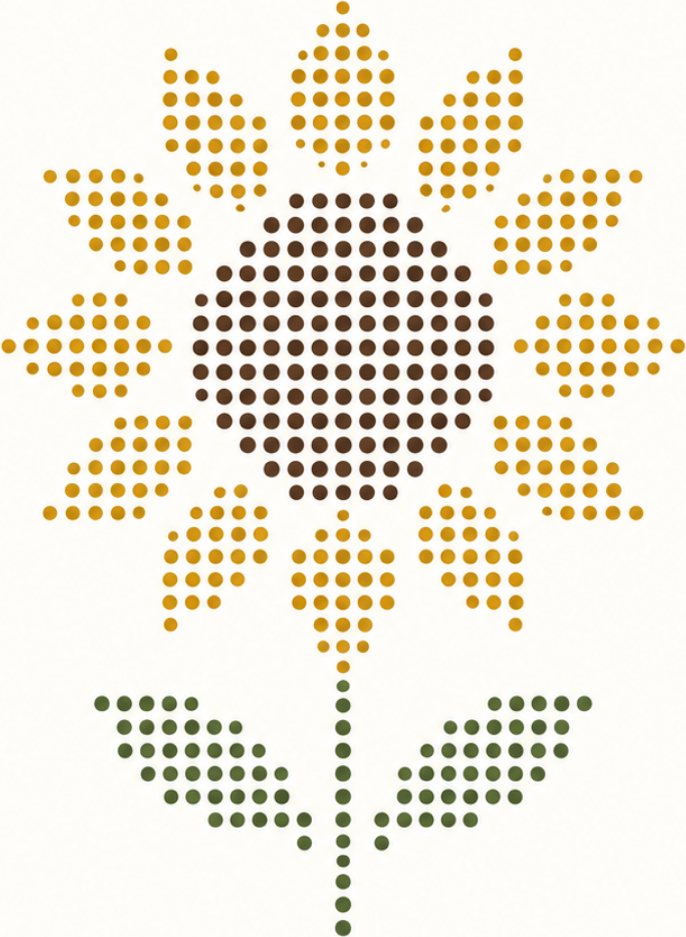
Your lock screen redraws itself every morning. One more dot fills in, until the day you’re counting to.
113 days remaining69% complete
Step 2 of 3 · Pay via coffee
One kopi, and your goal shows up on your lock screen every single morning until you get there. No app, no reminders to set, no upkeep.
Already bought one? New phone or browser?
Step 3 of 3 · Set up the automation
Thanks for the kopi. This link is yours, and it redraws itself every day.
Open Shortcuts → Automation tab → New Automation → Time of Day → 6:00 AM → repeat Daily → Run Immediately → Create New Shortcut.
Get Contents of URL → paste your link.Set Wallpaper Photo → choose Lock Screen.
In Set Wallpaper Photo, tap the arrow to show options and turn off both Crop to Subject and Show Preview. Otherwise iOS crops the image and asks you to confirm it every single morning.
 Daily
Daily